DownForge.Pro

Save · Share · Keep

Facebook Video Downloader

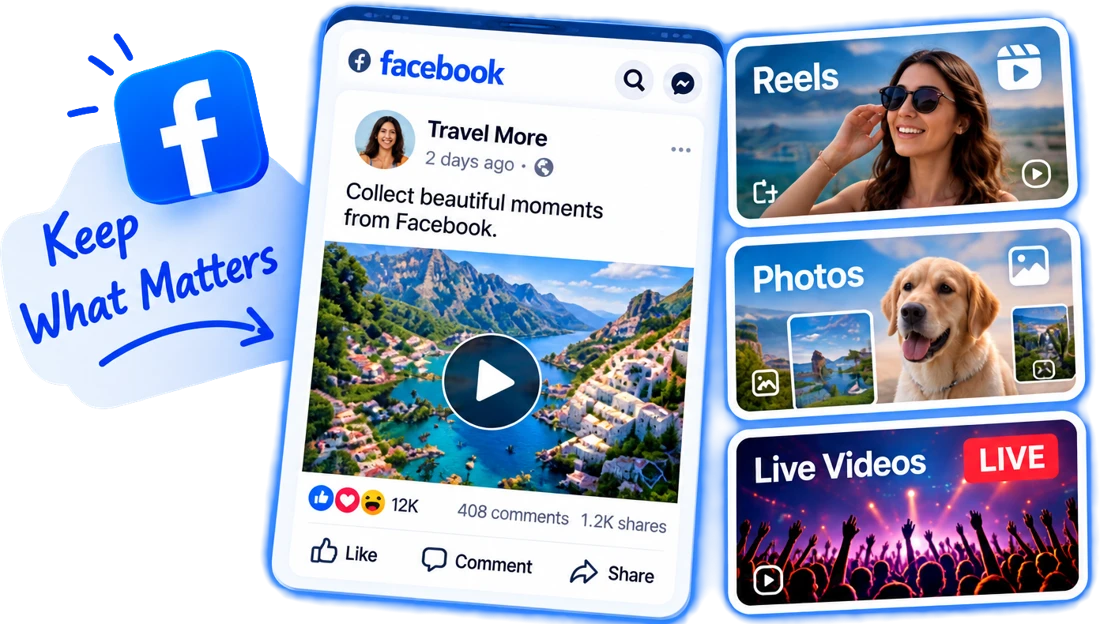
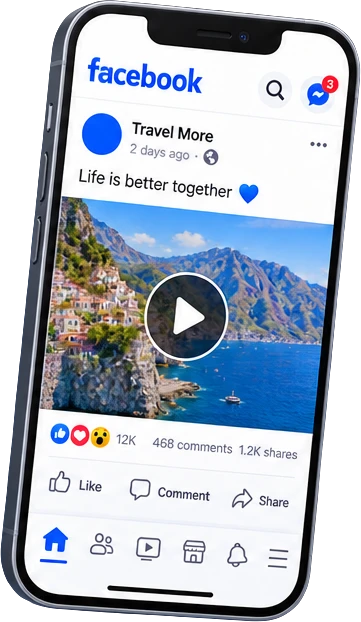
Keep the Facebook videos worth rewatching — Reels, long Watch videos and Live broadcasts once they end — as MP4 files you can play anywhere.

  • Reels & Watch videos
  • Live replays
  • Public Pages & groups
  • Share links work too
0+Total requests
0+Parsed
0BTraffic processed
0+Platforms parsed

Please make sure you own or are authorized to use the video content.

How to Download a Facebook Video

Works the same on a phone or a computer.

  1. 1. Copy the link

    Tap Share on the video and choose Copy link, or copy the address bar on desktop.

  2. 2. Paste & analyze

    Drop it into the box above. Short share links are expanded automatically.

  3. 3. Pick a quality

    Choose HD or SD and the MP4 saves straight to your device.

Good to Know About Facebook Videos

A few Facebook quirks that decide what you end up with.

  • Any link format

    fb.watch short links, /share/v/ and /share/r/ links from the app, mobile m.facebook.com addresses and classic /watch/?v= URLs all lead to the same video.

  • Live broadcasts

    A stream can't be saved while it is still on air. As soon as it ends, Facebook turns it into a normal video post, and the full replay can be downloaded.

  • HD and SD versions

    Facebook keeps a high-definition and a lighter standard version of most uploads. Both are listed so you can trade file size for sharpness.

  • Clean files

    The MP4 is the file Facebook streams — no logo is added and nothing is re-encoded on our side.

Which Facebook Videos Can Be Saved?

What matters is the audience the poster picked. A video shared as Public — on a Page, a public profile or a public group — can be opened by anyone with the link, and that is exactly what the downloader relies on.

Posts limited to Friends, videos inside private groups and anything in Messenger are only visible to signed-in members. The web tool doesn't use your Facebook account, so it can't see them. The desktop app can, because it works with your own logged-in session.

  • If a link opens a login wall in a private browser window, it isn't public.
  • Removed or region-restricted videos can't be fetched.
  • Please only save videos you have the right to keep, and don't re-upload other people's work.

Facebook Downloader FAQ

Am I allowed to save videos from Facebook?

Saving a public video for personal viewing is generally fine, but the copyright stays with the creator. Don't re-upload or sell someone else's video without permission.

Can I download a Facebook Live video?

Yes, after it ends. Live streams become regular video posts when the broadcast finishes, and the full replay can then be downloaded.

Does this need my Facebook account?

No, not for public videos. Friends-only posts and private groups need your own session, which the desktop app provides.

Why does my download say the video is unavailable?

The post is usually not public, was deleted, or is blocked in some regions. Open the link in a private browser window — if Facebook asks you to log in, the web tool can't reach it.

What quality can I get?

Whatever Facebook stored for that upload, usually an HD and an SD version. Videos posted in 1080p or higher are offered at that resolution.

Does it work with fb.watch and share links?

Yes. Short fb.watch links and the /share/ links copied from the Facebook app are expanded to the original video automatically.

Can I download Facebook Stories?

Not with the web tool. Stories disappear after 24 hours and are only shown to signed-in viewers, so they can't be fetched from a public link.

Human support, not AI