DownForge.Pro

Pro · Fast · High quality

YouTube Downloader

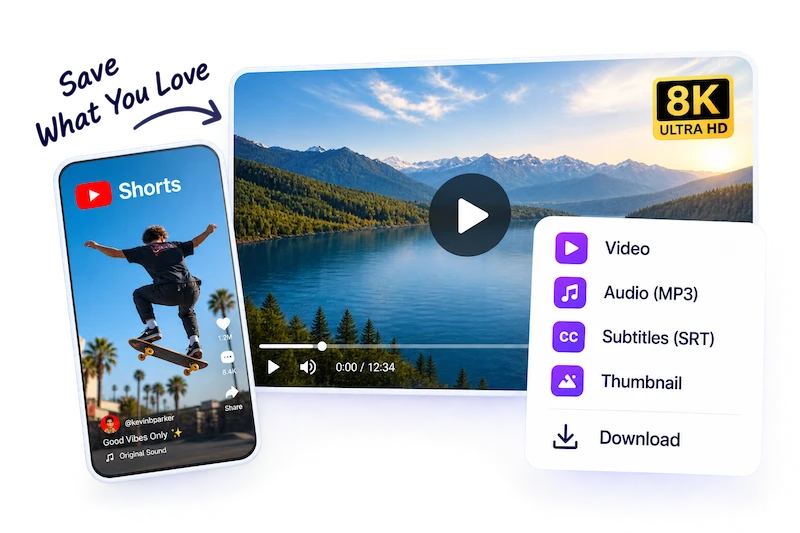
Download YouTube videos, Shorts, thumbnails, subtitles and audio. No watermark, with resolutions up to 4K and 8K and high-quality audio.

  • No watermark
  • Up to 8K
  • Video, audio, subtitles
  • Thumbnails
0+Total requests
0+Parsed
0BTraffic processed
0+Platforms parsed

Please make sure you own or are authorized to use the video content.

How to Download YouTube Videos

Three steps from a YouTube link to a file on your device.

  1. 1. Copy the YouTube link

    Use Share → Copy link in the app, or copy the address bar on youtube.com. Regular video, Shorts and live-replay URLs all work.

  2. 2. Paste & Analyze

    Drop the link into the box above and press Analyze. We read every available stream, caption track and thumbnail.

  3. 3. Pick a format and save

    Choose the resolution or audio track you want. Anything above 360p is merged into one MP4 for you before it downloads.

Every Kind of YouTube Link

Public content from any of these YouTube surfaces can be analyzed.

  • Videos

  • Shorts

  • Music videos

  • Thumbnails

  • Past live streams

  • Premieres

Formats You Can Save

One analysis returns every option YouTube actually serves for that video.

  • MP4

    144p up to 8K

  • Audio

    Original M4A / WebM

  • Subtitles

    When captions exist

  • Thumbnail

    Up to 1280×720

  • HDR

    When uploaded in HDR

  • Batch

    In the desktop app

Why YouTube Downloads Need Merging Above 360p

YouTube stores most videos as separate adaptive streams: one file with only the picture, another with only the sound. The only format that ships both together today is a low-bitrate 360p MP4, which is why many simple downloaders stop there or hand you a silent 1080p file.

When you choose 720p or higher, DownForge.Pro fetches the matching video and audio streams and remuxes them into a single MP4 without re-encoding, so the picture stays exactly as sharp as it is on YouTube and the download starts as soon as the merge is done.

Go Pro for a Better Experience

  • Unlimited downloads
  • Faster processing speed
  • No ads
  • Higher quality (4K / 8K)
  • Desktop batch download
  • Priority support
Get Pro Now

Try Desktop App

  • More stable for complex videos
  • Support for private and age-restricted content
  • Unlimited desktop features for Pro
  • Available for Windows and macOS
Download Desktop App

YouTube Downloader FAQ

Answers to the questions people ask most about saving YouTube videos.

Is it legal to download YouTube videos?

It depends on the video and where you live. Downloading is fine for your own uploads, Creative Commons videos and content whose owner allows it. YouTube's Terms of Service otherwise ask you to use the official offline feature, so only save videos you have the right to keep and never re-upload someone else's work.

What video quality options are available?

You see exactly what the uploader's video was processed into — typically 144p through 1080p, and 1440p, 4K or 8K when the original was recorded that way. 1080p and above are part of Pro.

Can I download YouTube Shorts?

Yes. Paste the /shorts/ link as-is. Shorts are regular YouTube videos in a vertical frame, so you get the same quality ladder and an MP4 with sound.

Can I download subtitles from YouTube?

Yes, when the video has captions. Available caption tracks appear in the Subtitles tab of the results and download as text files you can load into a video player or editor.

Why is my YouTube download failing?

Private, members-only and paid videos can't be fetched, and age-restricted videos need a signed-in session, which the desktop app handles. A live stream that is still running also can't be saved until it ends and YouTube finishes processing the replay.

What does Pro include?

Pro removes the daily cap and unlocks 1080p–8K and faster processing; batch downloading of playlists is available in the desktop app.

Human support, not AI