
DownForge.Pro

Reels · Posts · Carousels

Instagram Video Downloader

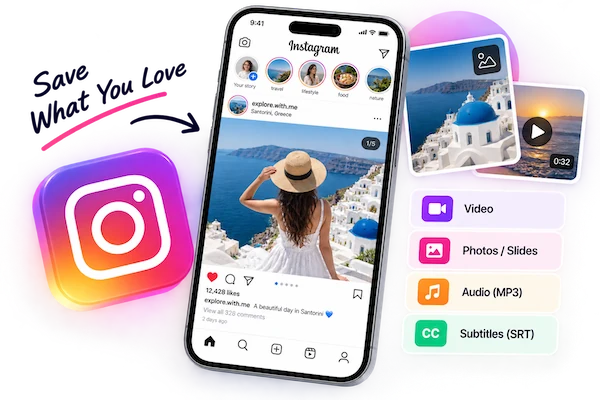
Save Reels, videos and photos from public Instagram posts in full resolution — every slide of a carousel included.

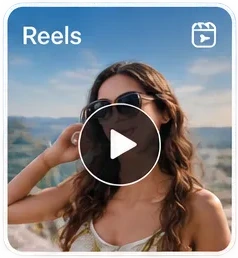
  • Reels with sound
  • Full-size photos
  • All carousel slides
  • No login for public posts
0+Total requests
0+Parsed
0BTraffic processed
0+Platforms parsed

Please make sure you own or are authorized to use the video content.

Download Any Public Instagram Post

Paste the link from the feed or the Reels tab — we work out what kind of post it is.

  • Reels

    Vertical clips saved as MP4, with the soundtrack still attached.

  • Photo posts

    Single-image posts in the largest size Instagram keeps.

  • Carousels

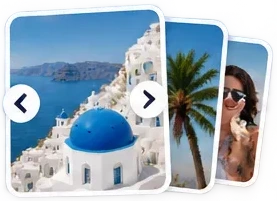
    Up to 20 slides, mixed photos and videos, each listed on its own.

  • Stories & highlightsDesktop app

    Disappear after 24 hours and need a signed-in session.

What You Get Back

No re-encoding: the files are the ones Instagram serves.

  • MP4

    Reels and feed videos

  • JPG

    Up to 1080 px wide

  • All slides

    One click for the whole post

  • Stories

    Via the desktop app

How to Save an Instagram Post

  1. 1. Copy the post link

    Tap ⋯ or the paper-plane icon on the post and choose Copy link.

  2. 2. Analyze it here

    Paste the link above. For carousels, every slide is listed separately.

  3. 3. Download what you need

    Save a single slide, or use Download All to grab every image at once.

Getting the Sharpest Version

Instagram keeps several sizes of each photo and shows your phone a smaller one to save data. We always pick the largest file Instagram has stored, which is usually 1080 pixels wide — the upload limit Instagram applies to all posts.

Reels are stored with separate video and audio tracks at their best quality. We combine them into one MP4 so the clip you download looks and sounds like the one you watched.

  • Stories and highlights require being signed in, so they are handled by the desktop app rather than the web tool.
  • Private accounts can't be downloaded from, even if you follow them.
Go Pro for More

  • Unlimited downloads
  • Faster processing speed
  • No ads
  • Priority support
Get Pro Now

Works in Any Browser

The web tool runs where you already browse Instagram — nothing to install.

  • iPhone and Android browsers
  • Windows and macOS
  • Files save straight to your device

Instagram Downloader FAQ

Can I download a whole Instagram carousel?

Yes. Each slide appears on its own, and Download All saves every image in one go. Video slides are listed as separate MP4s.

Do I need to log in to Instagram?

Not for public posts and Reels. Stories and highlights need a signed-in session, which the desktop app provides.

Will the person be notified?

No. Downloading a public post doesn't notify the account that posted it.

Why is my photo only 1080 pixels wide?

Instagram resizes every upload to at most 1080 px wide. That is the original size stored on Instagram, so nothing larger exists to download.

Can I download from a private account?

No. Private posts are only visible to approved followers, and we don't access them.

Can I download Instagram Stories here?

Not in the web tool. Stories and highlights are only visible to signed-in accounts, so they are saved through the desktop app, which uses your own Instagram session.

Human support, not AI